How to read this reviewThis is original, research-based buying analysis, not a hands-on test. Specifications come from the sources below. We have not measured performance, comfort or battery life.
At a glance
- Processor
- Quad-core Arm Cortex-A76
- Network
- Gigabit Ethernet
- Expansion
- PCIe 2.0 ×1 via adapter
- Power
- Recommended 5 V / 5 A USB-C
Pros
- GPIO and a broad project ecosystem
- Gigabit Ethernet and useful peripheral connections
- PCIe expansion through an appropriate adapter
Cons
- Power supply, storage and enclosure add to the bill
- Active cooling is worth planning for heavier work
- ARM software compatibility needs checking
Choose a project before a specification
The Raspberry Pi 5 makes the most sense when you can name the project. Learning Linux, experimenting with electronics or running a small personal service all provide a clear reason to choose a board with accessible connections. Buying it simply because it looks inexpensive creates a less useful comparison with a complete computer.
The board is one component of a system. You will also need appropriate power, storage and a way to protect or mount it. Add the cables and peripherals that your project needs, then compare the whole cost. A board-only price is a poor guide to the final bill.
Power and cooling are part of the design
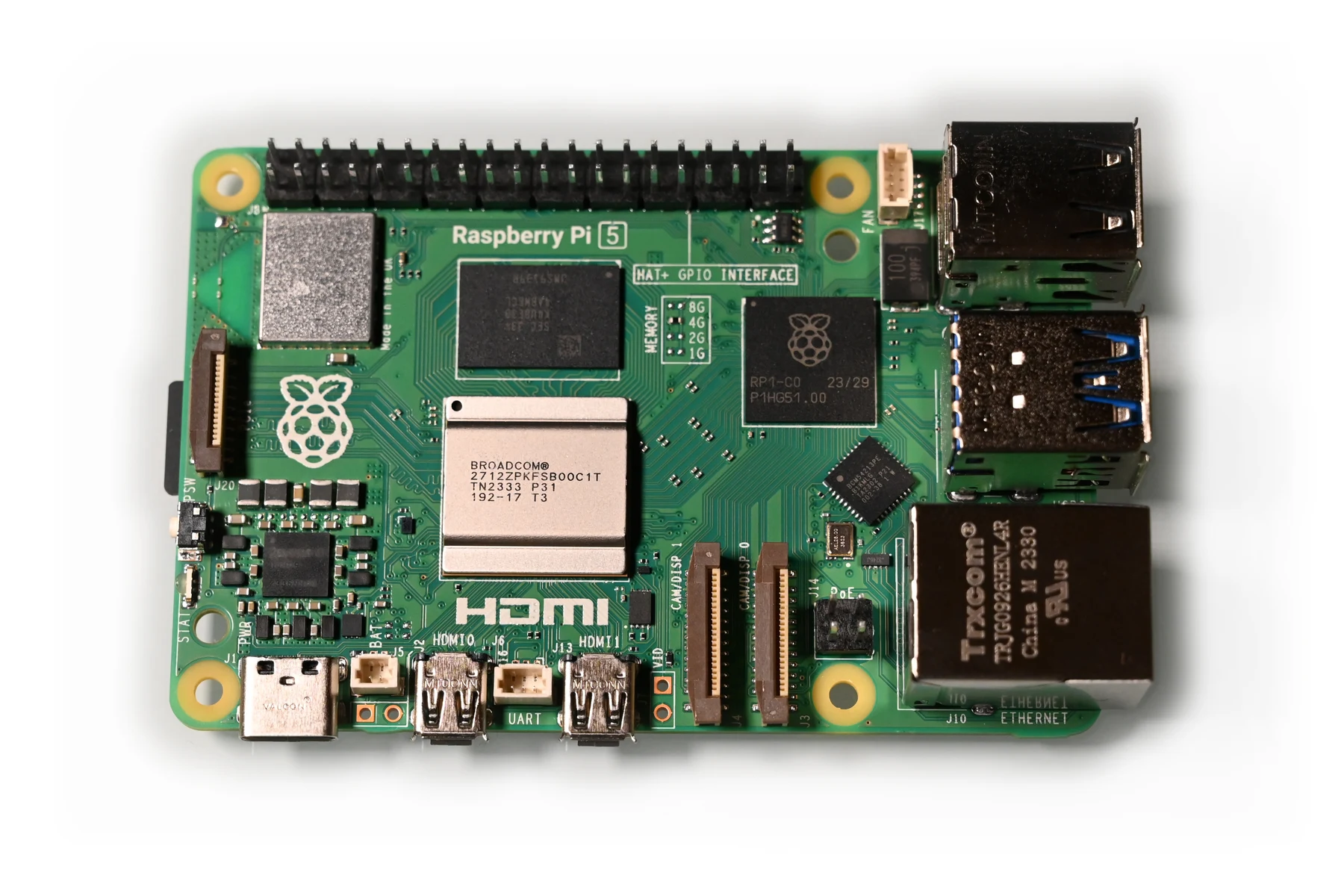
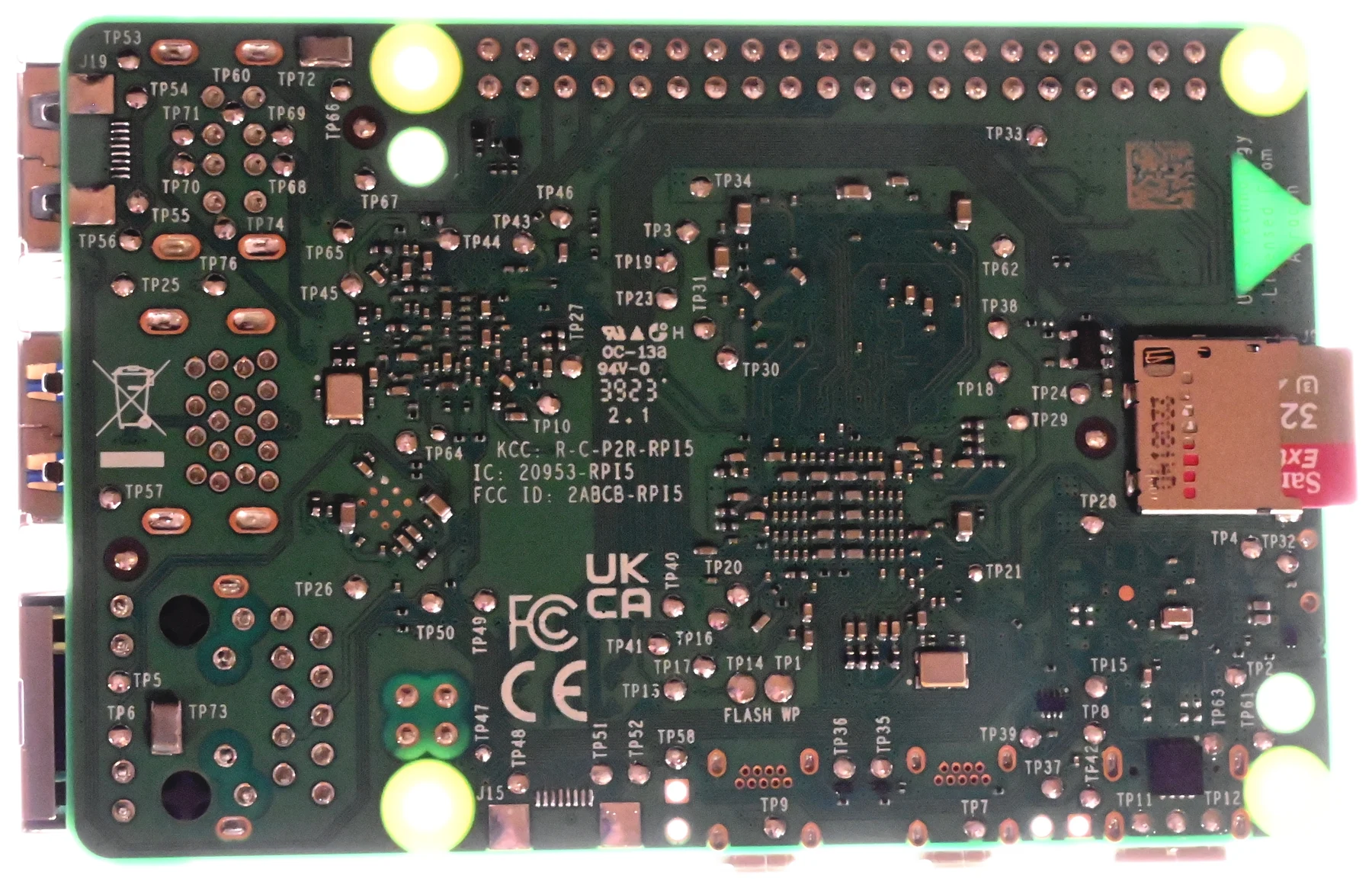
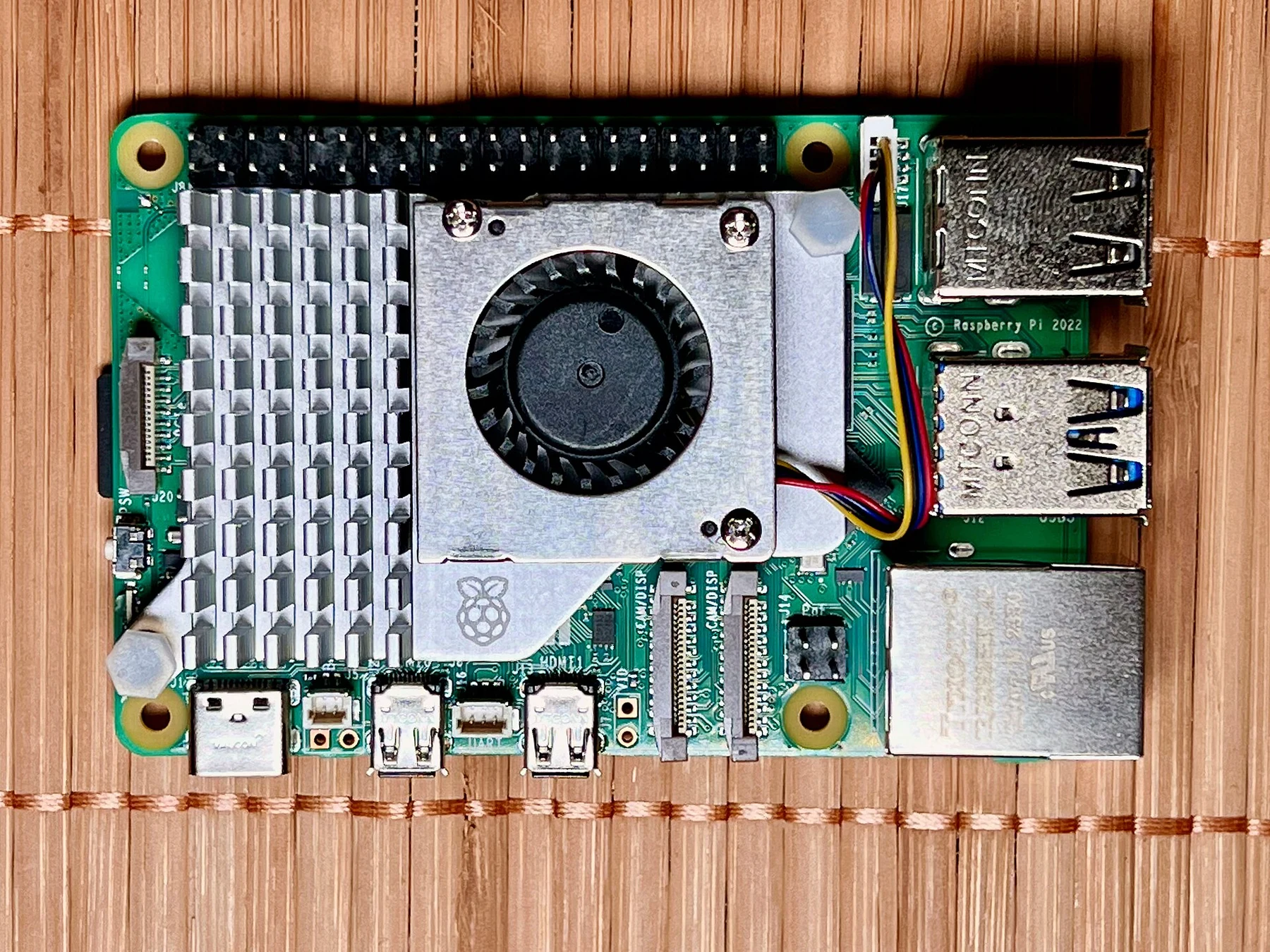
Raspberry Pi recommends a suitable 5 V / 5 A supply for this generation. An old phone charger should not be assumed to provide the power your configuration needs. Storage devices and other attached peripherals can make power planning more important, so use the official documentation when choosing the supply.
The manufacturer also recommends active cooling for the best performance under heavier workloads. That makes enclosure choice a practical decision about airflow, access and noise. Do not hide an unprotected board wherever there is a spare shelf space without thinking about dust, cable strain and accidental contact.
Useful expansion, with extra decisions
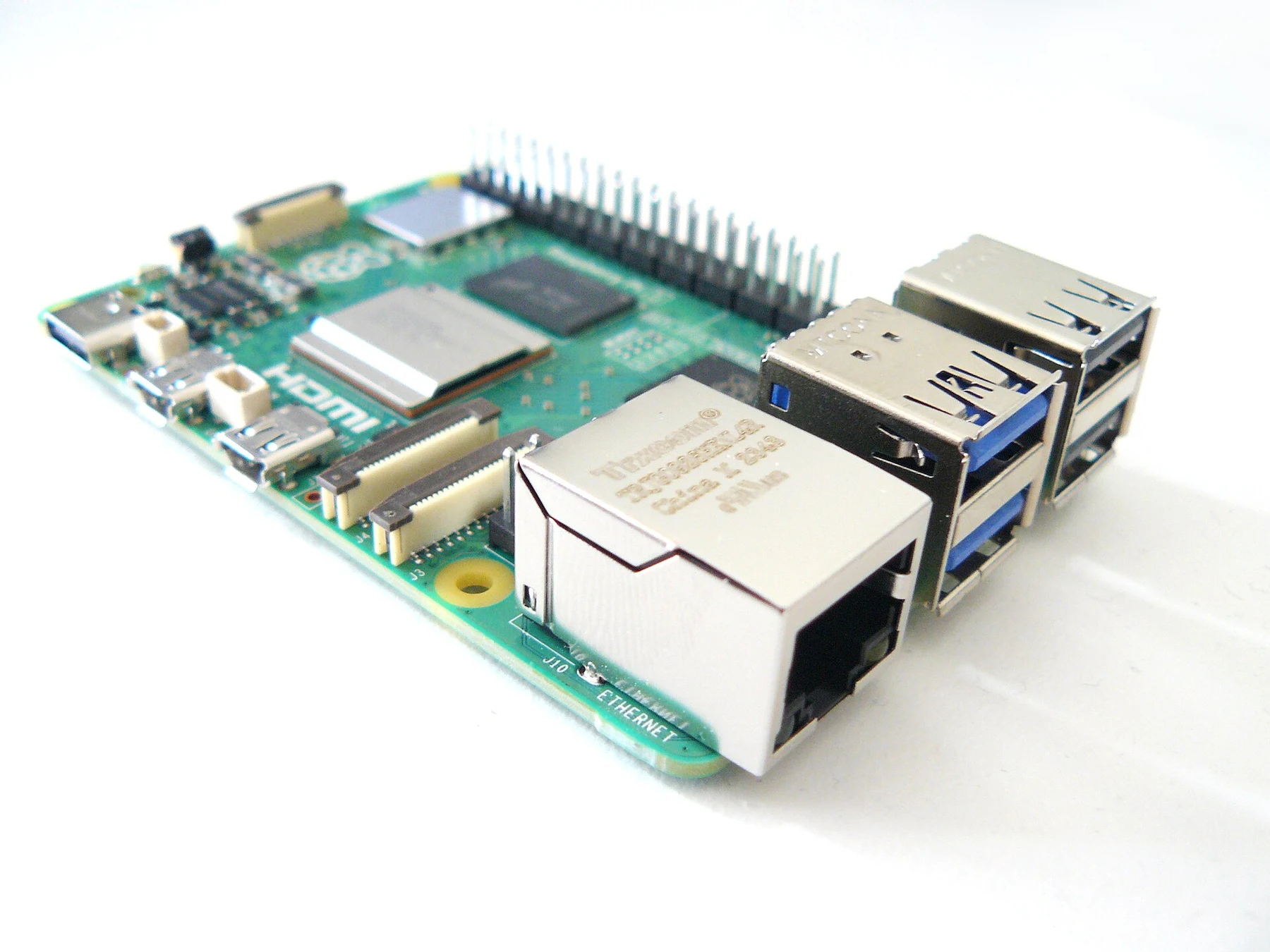
Gigabit Ethernet suits a wired project and avoids making every network task depend on wireless conditions. The GPIO header remains a reason to choose this type of computer over a conventional mini PC. It gives electronics projects a route into physical inputs and outputs, provided you follow the relevant electrical guidance.
PCIe connectivity offers another path for peripherals through an appropriate adapter. That flexibility is attractive, but each additional board and cable changes cost and complexity. Confirm physical fit, software support and power requirements together. Expandability is only useful when the complete combination works for the job.
Who should buy it?
Buy into this platform if the learning process is part of the value. The decisions about operating system, storage and peripherals are opportunities to understand the machine rather than inconveniences that have to be hidden. Choose memory capacity around the project and the current options available in your region.
If you mainly want a ready-to-use office desktop, compare a complete mini PC instead. ARM compatibility can matter for specialised applications, and a finished x86 system may suit familiar software better. We have not benchmarked a Pi 5 here, so no performance ranking or measured speed claim is implied by this assessment.
The helloyouna verdict
Raspberry Pi 5
An appealing foundation for learning and small Linux projects. Compare the full kit cost with a mini PC if you mainly want a finished desktop computer.
Sources & photography
Product information checked November 15, 2026. Manufacturer claims are not independent measurements. Model, region, firmware and condition can affect features.
Photographs show the products or comparisons identified in their captions. They are resized and converted to WebP without cropping. Full image credits and licences.