How to read this reviewThis is original, research-based buying analysis, not a hands-on test. Specifications come from the sources below. We have not measured performance, comfort or battery life.
At a glance
- Model
- 13-inch M2, introduced 2022
- Display
- 13.6-inch, 2560 × 1664
- Ports
- 2 × Thunderbolt / USB 4
- Charging
- MagSafe 3
Pros
- Fanless design for silent operation
- MagSafe charging leaves USB-C ports available
- Compact 13.6-inch display format
Cons
- Memory and internal storage are not user-upgradable
- Only two Thunderbolt / USB 4 ports
- Native support for just one external display
Start with the work, then choose the machine
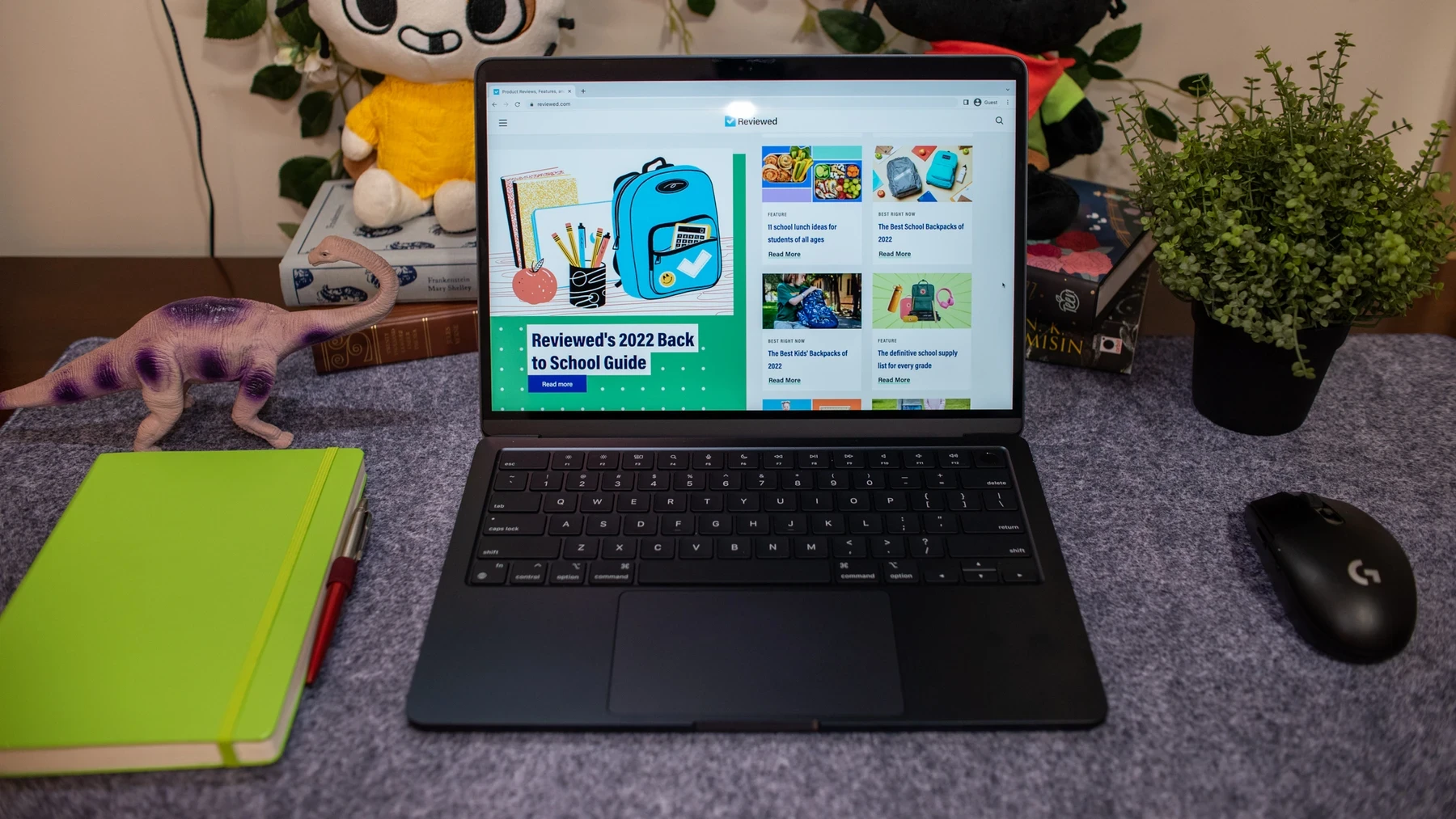
The M2 MacBook Air is easiest to understand as a portable everyday computer. Writing, research, browser-based work and light creative projects are the kinds of tasks that make a compact laptop attractive. Its fanless design removes fan noise from that experience. It does not, by itself, prove that the machine will maintain the same performance under every extended workload.
For a buyer today, the useful comparison is between complete configurations at actual selling prices. A low headline price can conceal limited storage, an older battery or a short warranty. With refurbished stock, ask about battery condition, the return window and who provides service. These details can outweigh a small difference in chip generation.
A desk setup exposes the limits
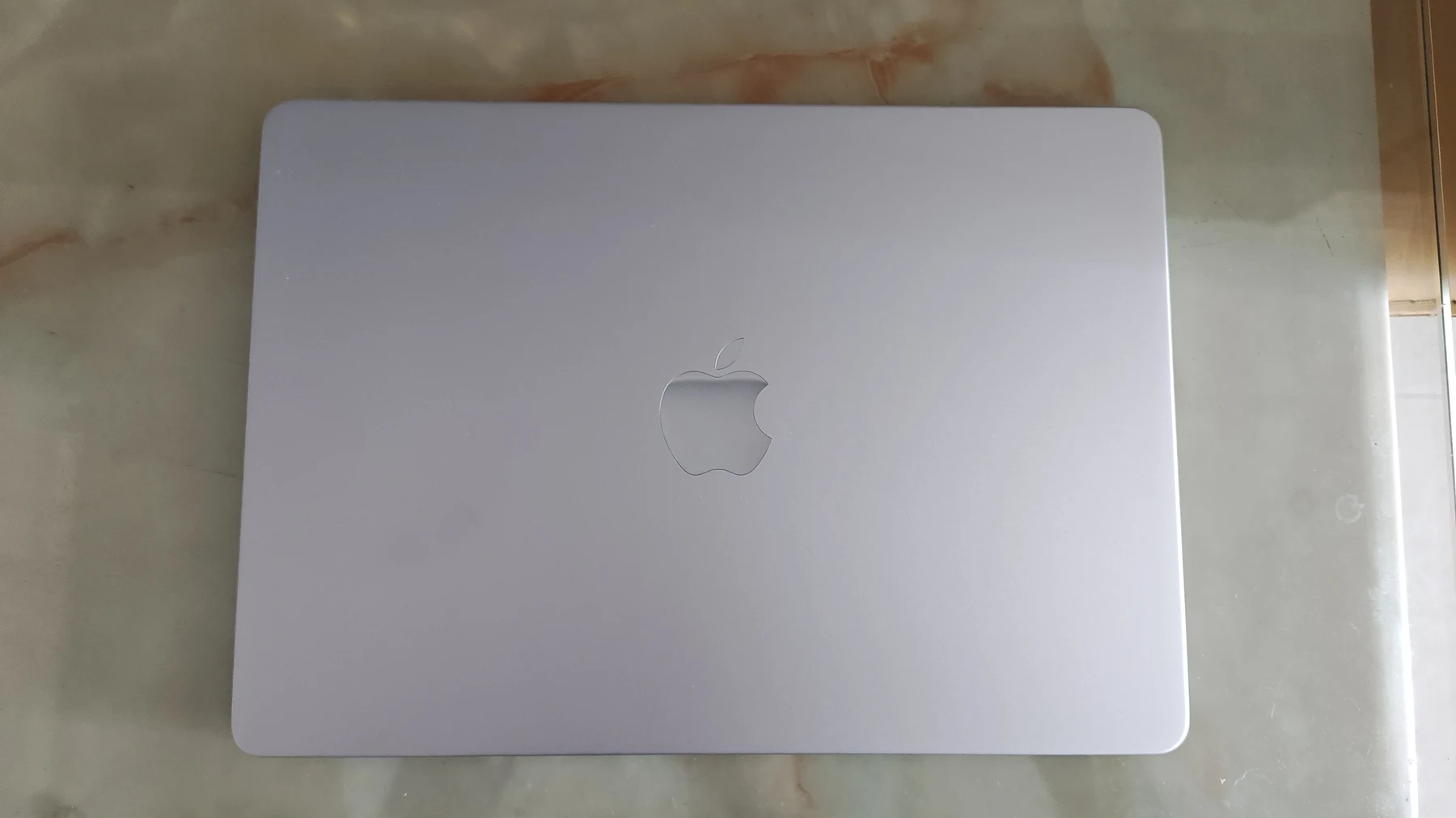
The 13.6-inch display is a practical size for working on the move, but a desktop workspace may need more room. Apple specifies native support for one external display. That makes this model a less straightforward choice for a desk built around two separate external monitors. Check your intended setup before buying adapters.
MagSafe 3 handles charging while leaving the two Thunderbolt / USB 4 ports free. Even so, a mouse receiver, external drive and monitor can quickly turn a simple desk into a hub-based setup. Include that hub in your budget and think about whether you want another item to carry.
Choose the configuration for its whole life
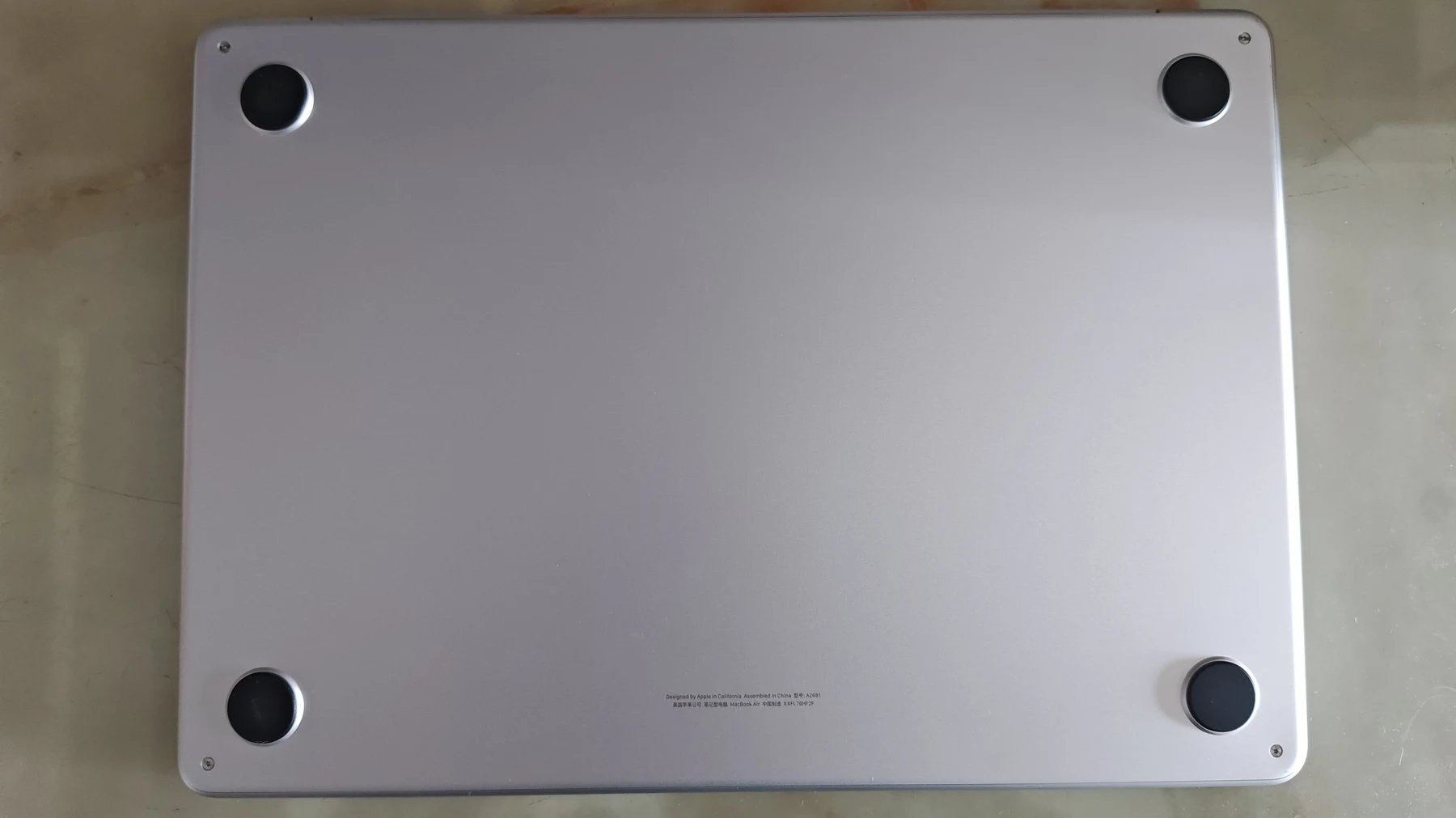
Unified memory and internal storage should be treated as purchase-time decisions. This is not a machine to buy on the assumption that you can easily add more later. Make a list of your largest applications, active files and expected projects, and leave breathing room. External storage can help with archives but is less convenient on a train or in a lecture hall.
Battery life also needs careful wording. Apple publishes usage-specific estimates; helloyouna has not measured this unit. Screen brightness, browser activity, video calls and battery wear can change the result substantially. If you buy used, the condition of the individual laptop matters more than the original launch claim.
Who should buy it?
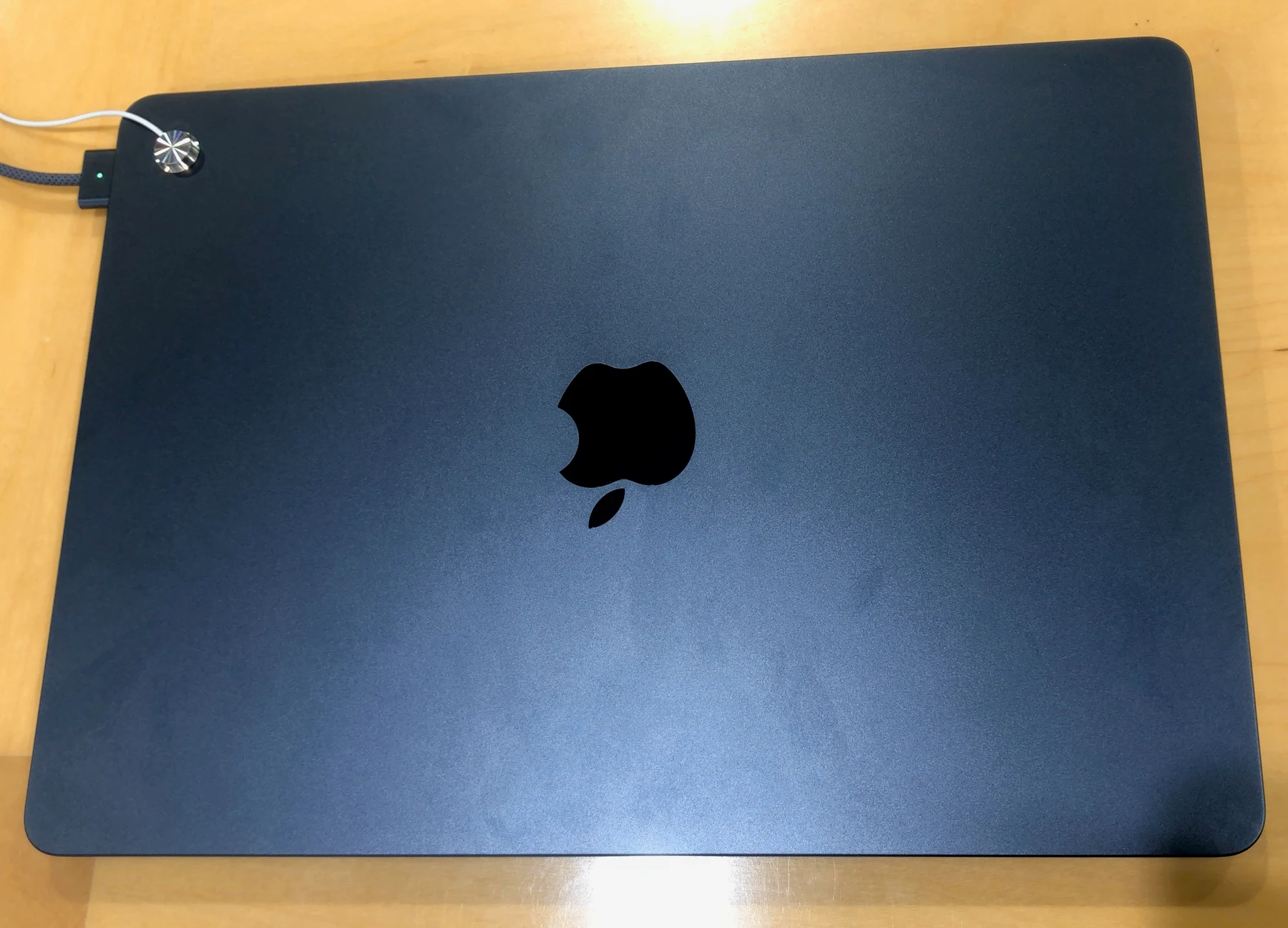
Consider the M2 Air if you want a quiet macOS laptop for documents, study and general work, and the configuration suits the next few years of your use. It is particularly easy to appreciate when portability is central and you do not depend on a large collection of wired accessories.
Skip a tempting low-memory or low-storage listing if it already looks restrictive. Sustained rendering, specialised software compatibility and multiple-monitor requirements deserve a more specific comparison. The sensible purchase is the configuration that fits your work, with a price and warranty that acknowledge the model’s age.
The helloyouna verdict
Apple MacBook Air M2 (13-inch)
Worth considering for everyday macOS work at an appropriate price. Choose memory and storage carefully, and check the single-external-display limit before committing.
Sources & photography
Product information checked November 15, 2026. Manufacturer claims are not independent measurements. Model, region, firmware and condition can affect features.
Photographs show the products or comparisons identified in their captions. They are resized and converted to WebP without cropping. Full image credits and licences.